
When Your AppSec Data Lives in a Silo
Application security scanning generates critical findings. But when those findings sit in a separate platform, disconnected from your SIEM, your security team loses context. Vulnerability data in one tool, audit trails in another, and incident response happening in a third: that fragmentation slows everything down.
We built two open-source playbooks to solve this. They connect Checkmarx One directly into Microsoft Sentinel, pulling both SAST scan results and audit log events into a single, queryable environment. Zero third-party connectors. Zero custom development projects. Just a clean, automated pipeline that keeps your application security data where your analysts already work.
The Problem: Scattered Data, Slower Response
Checkmarx One is a capable application security platform. It runs static analysis scans, tracks vulnerabilities across your codebase, and logs user activity for compliance and forensics. The challenge is that none of that data natively flows into Sentinel.
For teams running their SOC out of Sentinel, that creates a gap. SAST findings that should inform incident triage stay locked in the Checkmarx console. Audit events that could reveal suspicious account activity or unauthorized configuration changes remain invisible to your correlation rules. Analysts end up toggling between platforms, manually cross-referencing data that should already be centralized.
The real cost is missed correlation. A vulnerability finding paired with unusual login behavior tells a different story than either data point alone. Without both streams flowing into the same workspace, that story goes untold.
Why We Built These Playbooks
Rather than wait for a native connector or invest in a heavy middleware solution, we built two lightweight Logic App playbooks that handle the ingestion automatically.
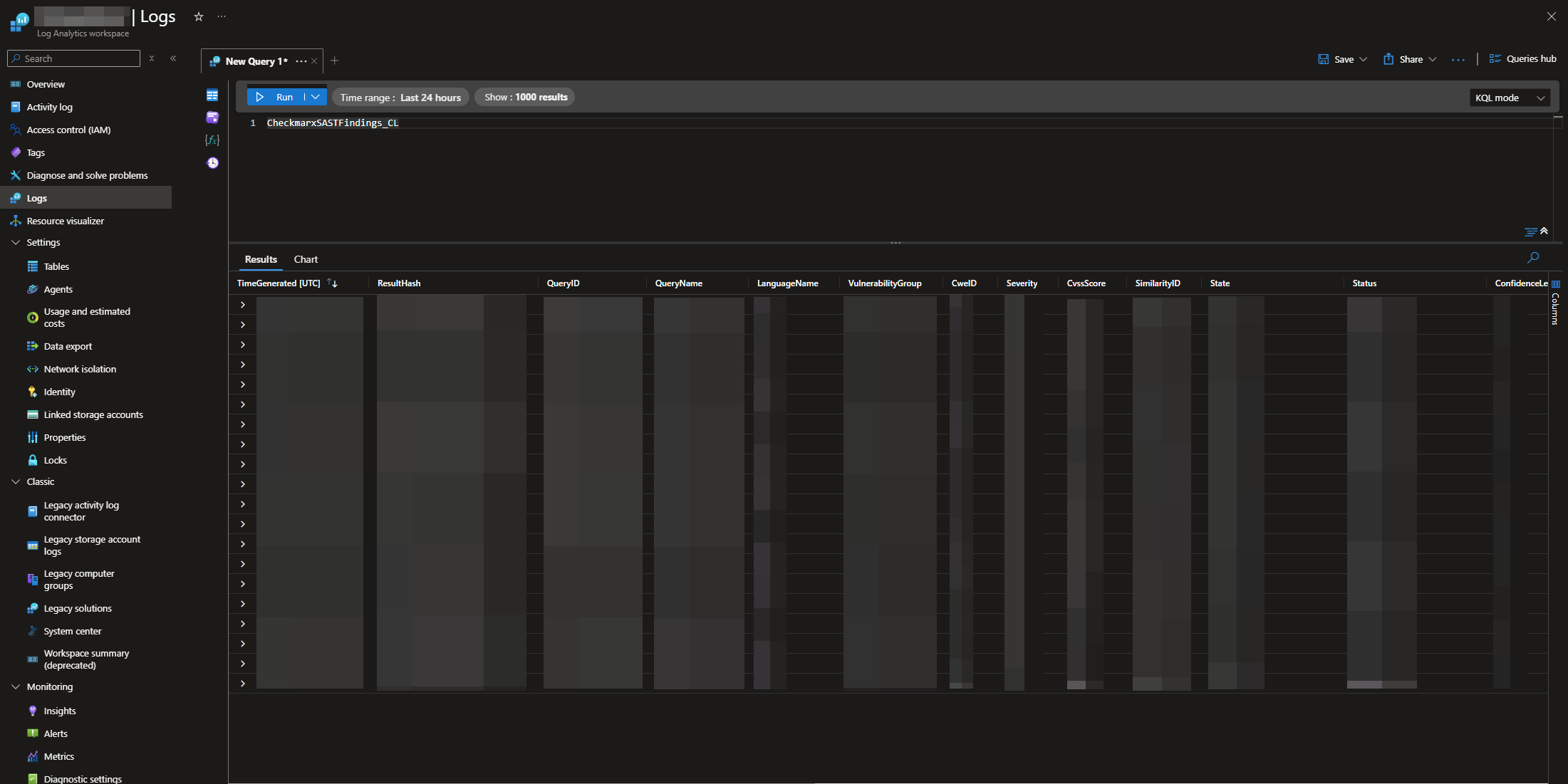
The first, AS-Checkmarx-SAST-Ingestion, pulls static analysis scan results into a custom Sentinel log table. Every finding lands with full context: severity, CWE classification, CVSS score, source file, line number, compliance mapping, and vulnerability status. Your team can query, trend, and alert on application security findings using the same KQL workflows they already use for everything else.
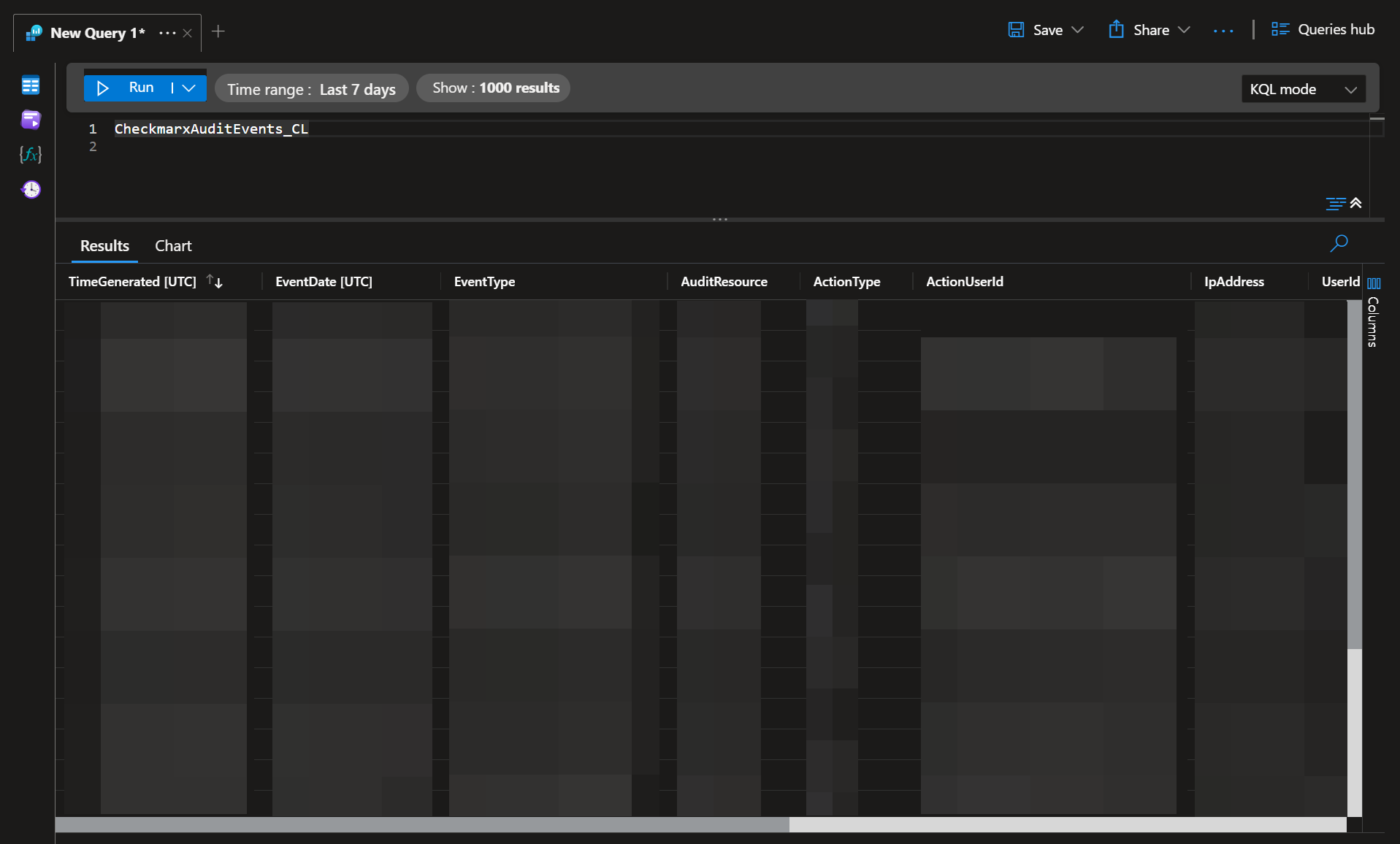
The second, AS-Checkmarx-Audit-Ingestion, captures audit log events from the Checkmarx platform. Login activity, configuration changes, user actions: all of it flows into Sentinel where it can be correlated with broader identity and access signals. Failed login attempts from an unusual IP address become actionable signals for your detection rules, visible in the same workspace as the rest of your telemetry.
Both playbooks use Microsoft’s current Data Collection Rule and Data Collection Endpoint architecture. This is the ingestion model Microsoft is actively promoting as the standard, and it resolves the concurrency and data integrity issues that teams sometimes encounter with older connector-based approaches.
The Agility Difference: One Workspace, Full Context
When your application security telemetry lives alongside your endpoint, identity, and network data, your team operates with complete visibility. These playbooks make that possible without adding complexity to your daily operations.
With these integrations, you can:
- Ingest Checkmarx SAST findings directly into Sentinel custom log tables, complete with severity, CWE, and CVSS scoring
- Capture Checkmarx audit events for login monitoring, user activity tracking, and compliance reporting
- Correlate application vulnerabilities with identity signals and infrastructure alerts using native KQL queries
- Automate detection and response workflows using Sentinel’s built-in analytics rules and playbooks
Both playbooks run on a daily recurrence, keeping your Sentinel workspace current without manual intervention. And because they share a common Data Collection Endpoint, deploying both is straightforward: a single DCE supports the full integration.
Explore the Integrations
We are releasing both playbooks to the community as free, open-source resources. Each repository includes deployment templates, configuration documentation, and sample KQL queries to get your team operational quickly.
➤ Access the SAST Ingestion Repository
➤ Access the Audit Ingestion Repository
Ready to Make Your Security Operations More Agile?
If your team is working to consolidate security telemetry, automate AppSec workflows, or build stronger correlation between vulnerability data and SOC operations, we can help. Accelerynt works with enterprise security teams to design efficient, automation-driven environments that support Zero Trust and continuous monitoring.
➤ Get in touch with us to learn how we can help you build a more agile security environment.